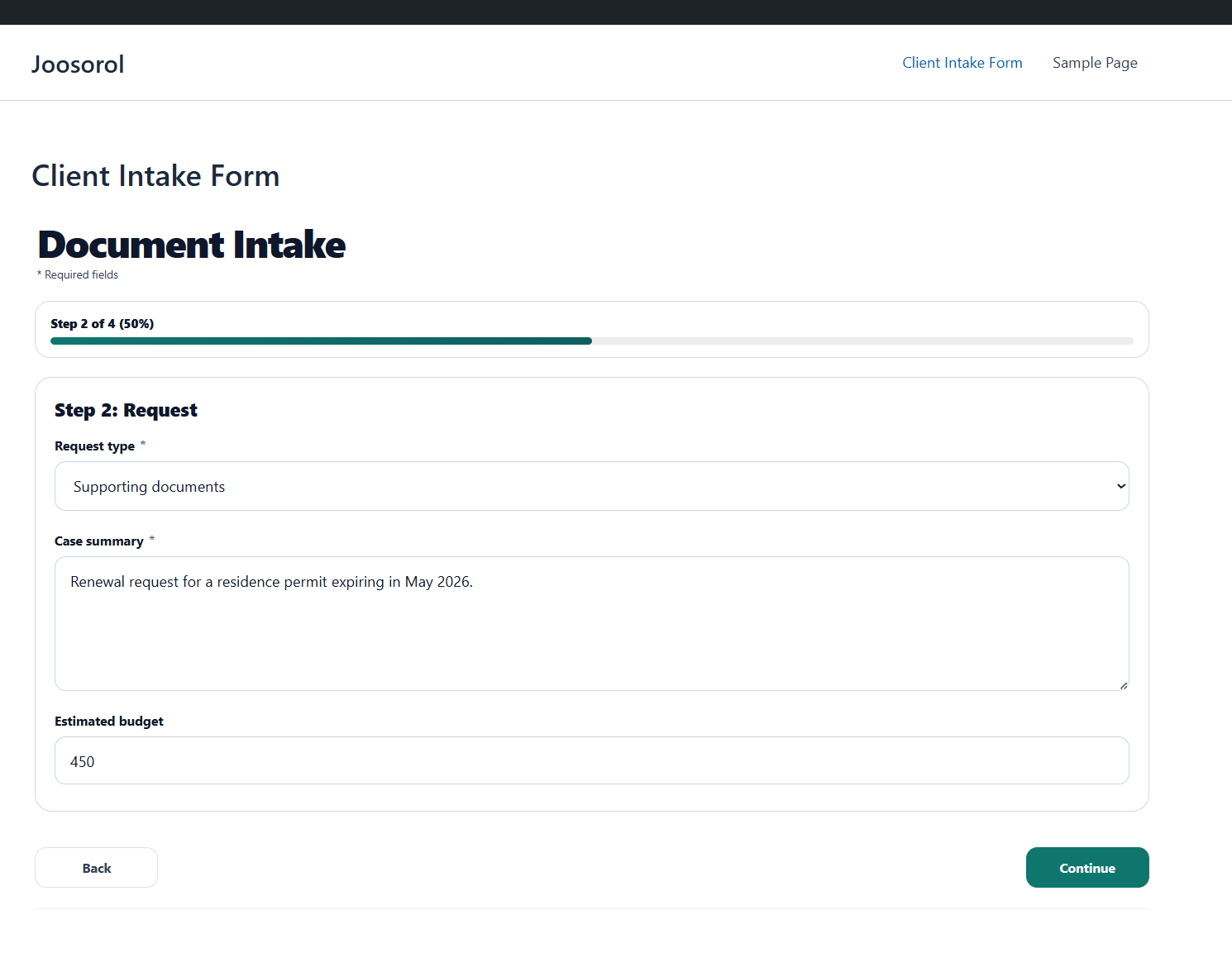
Document intake
Collect files, missing information, and approvals before an operator starts review.
Client intake portals for agencies and service teams
XPressUI gives agencies and service teams one delivery system for private intake links, document upload, dynamic choices, and operator review. Use it on client WordPress sites or host the workflow with XPressUI Cloud.
First workflows to sell
XPressUI is easiest to sell when the buyer already feels the pain: missing files, outdated lists, unclear requests, or schedule changes.
Collect files, missing information, and approvals before an operator starts review.
Route one branded request form into a repeatable review path with status and follow-up.
Let clients choose products, quantities, prices, or options without hardcoding lists in the form.
Expose dates, slots, capacities, and exceptions without rebuilding the workflow every month.
Dynamic catalogs
Products, prices, service slots, dates, options, and members become reusable data your team can maintain once and connect to multiple workflows.
Keep SKUs, prices, quantities, and selectable options in a reusable catalog instead of copying choices into every workflow.
Publish available services, dates, capacities, and booking choices so operators can review requests with context.
Reuse member, subscriber, or client lists when a workflow needs verification or a known audience.
Best for agencies and teams replacing spreadsheets, duplicated choice lists, and manually maintained prices or schedules.
Done For You
We can configure the first workflow with you, test it, and leave you with a reusable pattern for the next client or service.
from €299 setup
We configure one branded hosted workflow with operator email and a generated document summary.
from €790 setup
We install XPressUI Pro, configure the workflow, test submissions, and hand it over with a short walkthrough.
3 months guided
For agencies with complex forms, we help ship the first client workflow and turn the result into a repeatable offer.
Why it converts better
Most onboarding starts badly: missing files, vague briefs, and too many follow-up emails. XPressUI replaces that chaos with a clear portal your client can actually complete in one sitting.
How it works
The key screens are already there, so you can move faster without stitching together a fragile onboarding flow from generic plugins.
For agencies
Turn a messy kickoff into a cleaner client experience you can actually sell as part of your client-site delivery.
For freelancers
Get the right files, the right answers, and the right context before the build starts instead of chasing details afterward.
For teams
Your team reviews submissions, tracks status, and downloads project files without moving between disconnected tools.
Simple rollout
Download XPressUI Free and activate it on your site in a few minutes.
Use the bundled starter or upload a workflow pack exported from the Console. Upgrade to Pro when you want Console Sync and advanced customization.
Clients submit files and answers in one place, and your team reviews it on client sites.
Why it stands out
XPressUI is aimed at the full client intake path: the private link, the guided upload, the submission status, and the operator review screen.
Plans
Launch quickly with XPressUI Free, upgrade to XPressUI Pro for production client-site delivery, then add XPressUI Cloud when you want XPressUI to manage links, inbox, files, quotas, and team review.
FAQ
XPressUI is a client intake portal system: private links, guided document upload, dynamic choices, and operator review in one delivery path.
Yes. XPressUI Free includes the client-site runtime, a bundled document intake workflow, and custom workflow ZIP installation so you can test the setup on a real site.
XPressUI Pro is the fastest path to production today: plugin install, workflow setup, and submission review directly in the client-site admin.
XPressUI Cloud is the next delivery path for teams that want XPressUI to host the public workflow link, submissions inbox, files, catalogs, and operator review outside a client site. Solo starts at €19/month, Team at €49/month, and Agency at €129/month.
Upgrade when you want advanced field types, Customize Workflow in the client-site admin, direct Console Sync, commercial updates, and the full Pro runtime.
It fits agencies, operators, and service teams that repeatedly collect client files, briefs, and onboarding information.
Ready to launch your first intake portal?
Start with XPressUI Free, then discuss the hosted or client-site path once the first workflow is clear.